Utilization Rate for Freelancers: Formula and a Solo Week Example
Utilization rate shows what share of your work hours goes to billable client work. Calculate it with one solo-week example and a simple tracking method.
By Notion Business Planner by Cosmo Suite · Editorial policy
Published · 8 min read

If you worked 40 hours this week and 22 were billable client work, your utilization rate was 55%: 22 divided by 40. The figure is useful only when you decide what counts as billable and include every other hour you worked in the same period.
For a one-person business, the denominator includes the time spent delivering work and running the business. Sales calls, proposals, invoicing, and planning all take hours, even when they do not appear on a client invoice. This guide gives you a consistent way to classify those hours, calculate the percentage, and read it alongside your pricing.
What Is Utilization Rate for a Freelancer?
Utilization rate is billable client-work hours divided by all hours worked during the same period. Multiply the result by 100 to express it as a percentage. For a solo business, this describes how work time was allocated. Review separate measures for work quality, profit, and cash collected.
Utilization rate = billable hours ÷ total hours worked × 100
Billable hours are the time covered by a client fee or paid scope under your written rule. The denominator includes those hours plus the other work you did for the business. If you count only the time you planned to work, or only client time, you are answering a different question. Name that measure clearly instead of comparing it with a utilization rate based on all hours worked.
For a freelancer, the number can help explain why a full week did not produce as many client hours as expected. Time spent finding work and handling business tasks is part of the week too. A Notion planner for tracking projects, logged hours, and weekly business activity can keep those records near the rest of your work plan.

Utilization Rate at a Glance
Utilization, effective hourly rate, and planned billable time describe related parts of your work, but they are different measures.
| Measure | What goes into it | Question it answers |
|---|---|---|
| Hours worked | All time spent working on the business during the period | How much time did I work? |
| Billable hours | Time covered by a client fee or paid scope, under your rule | How much client work can I charge for? |
| Non-billable hours | Other business work and any time your rule excludes | Where did the rest of the week go? |
| Utilization rate | Billable hours divided by all hours worked | What share of my work time went to billable work? |
| Effective hourly rate | A project's fee divided by its hours | What did that project fee amount to per hour? |
| Planned billable share | The billable hours you expect against a planned work period | What capacity should I use when pricing future work? |
Use one time period for both sides of the utilization calculation. A weekly numerator paired with a monthly denominator will produce a percentage, but it will not describe a meaningful period.
Decide Which Hours Count as Billable
Billable time is the work your written rule assigns to paid client scope. Set the rule before you total the week, then apply it to each entry. For example: “Billable hours are time spent on work included in an agreed client scope. I record sales, general admin, learning, and unpaid work outside scope separately.” That rule gives each entry a place without treating every busy hour as paid client delivery.
Work that happens during a client project may still need a clear classification. A kickoff call or a revision inside the agreed scope might count as client work under your rule. A proposal for a future project belongs in sales time. A change requested after the fee and scope were set may be billable if you agree to charge for it; otherwise keep it visible as unpaid extra work.
There is no universal classification for every contract or service. Company measures can use a different denominator: one SEC filing defines consultant utilization against available working hours after vacation and holidays. That team-specific method is not a freelancer benchmark, and it shows why a percentage needs its definition beside it (SEC filing). Choose a method that matches how you price work and use it when you compare weeks. If your rule changes, mark the date.
If capturing those entries is the hard part, the guide to Notion time tracking by project shows a simple way to record hours and separate billable from other work.

A Hypothetical Solo Week, Worked Through
The table below is a fictional example for arithmetic only. It assumes one person worked 40 hours, and their written rule counted only paid-scope client work as billable.
| Work category | Hours | Classification |
|---|---|---|
| Client delivery within paid scope | 16 | Billable |
| Client calls and revisions within scope | 6 | Billable |
| Invoicing and general admin | 4 | Non-billable |
| Sales conversations and proposals | 6 | Non-billable |
| Learning and business planning | 3 | Non-billable |
| Unpaid work outside the agreed scope | 5 | Non-billable |
| Total | 40 |
The billable total is 16 + 6 = 22 hours. Divide 22 by all 40 hours worked: 22 ÷ 40 = 0.55, or 55% utilization. The remaining 18 hours still matter. They show time spent finding clients, keeping records, learning, and handling a scope overrun.
Suppose the person instead labelled the five extra hours as billable, even though they were not covered by a paid scope. The result would be 27 ÷ 40 = 67.5%. That percentage is higher, but the label would hide unpaid work. A useful utilization figure depends on what the underlying categories mean, not on choosing the larger numerator.
Use your own time entries for the calculation. These sample hours are not a benchmark for how a freelancer should divide a week.
How to Calculate Your Utilization Rate
You can calculate the percentage in a notebook, spreadsheet, or Notion database. The method is the same: collect the full set of hours, apply your billable rule, and divide the billable subtotal by all work time in the period.
- Choose a period. Use a week or month and keep that period when comparing results.
- Log each work block. Record the date, project or task, duration, and a short note. Include business work that is not for a client.
- Label each entry. Mark whether it meets your written billable rule. Give unpaid scope changes their own label if they are useful to review.
- Add the hours. Sum billable entries for the numerator and all work entries for the denominator.
- Divide and convert. Divide billable hours by all hours worked, then multiply by 100.
- Keep the context. Note unusual events, such as a week spent on proposals or a project with extra revisions. That gives the percentage a useful explanation.
A basic time log can use these columns: Date, project or task, hours, billable status, and note. Add two totals for the chosen period: billable hours and total hours worked. If you use a spreadsheet, a SUMIF formula can add the rows marked billable; divide that total by the sum of all hours. Check that blank days and non-client tasks are represented before you trust the percentage.
Notion's formula properties can calculate from existing database properties. Its relations and rollups guide explains how to aggregate values from related records. These features can support a time log, but you decide the categories and check the result. A Notion business planner with project hours and a weekly dashboard can hold the entries together.

Read Utilization Alongside Your Effective Rate
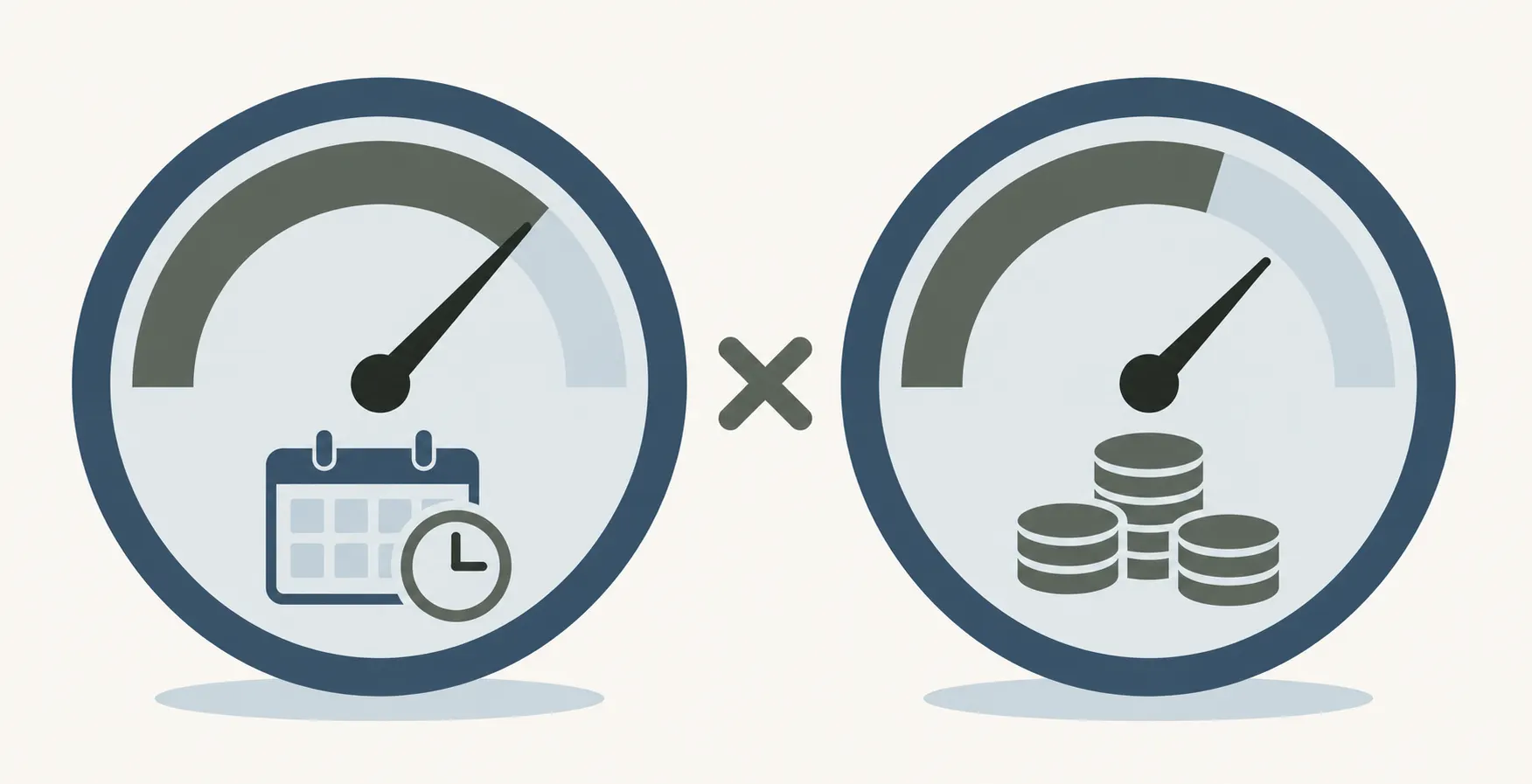
Your utilization rate shows what share of your work hours went to billable client work; your effective hourly rate shows the fee per project hour. Effective hourly rate is a project's fee divided by the hours spent on that project. Read the two measures together to see how billable time and pricing combine. For a quote-planning method, see the hourly rate calculator guide.
For a fictional example, suppose completed client work represents $3,300 in project fees for 22 billable hours. That is $150 per billable hour. If the same person worked 40 hours overall, utilization is 55%. Multiplying $150 by 0.55 gives $82.50 in project fees per total hour worked, before business costs and taxes. The figures are illustrative and do not describe a typical freelancer's results.
This combined view depends on using the same work period and a consistent fee basis. It also does not show how much money has arrived in the bank. Unpaid invoices, discounts, expenses, and taxes require separate records. The article on effective hourly rate for fixed-fee work explains the project-level calculation. If you are choosing how to quote a service, compare it with day rate versus hourly rate.
When utilization is lower than you expected, inspect the time categories first. You may have spent more time on sales, admin, or delivery than planned. The right response could be to change a process, adjust your pricing, or accept that the current period needed more non-client work. The percentage alone cannot choose for you.
What the Number Can and Cannot Tell You
Utilization can show how much of your recorded work time went to paid client scope. It can help you notice whether delivery is leaving enough time for sales and business administration. It cannot tell you that a certain percentage is ideal, because different service businesses have different workloads, sales cycles, and ways of pricing.
The result also depends on your denominator. If one month includes leave and another excludes it, the percentages are not directly comparable. If you count client calls in one period but omit them in another, the numerator has changed meaning. Keep a written definition, a consistent time unit, and a note for unusual periods.
Read utilization beside profit records, invoice status, and delivery feedback. The percentage leaves out software, supplies, subcontractors, and other costs. It also says nothing about invoice collection or work quality. Check it beside your project rates and workload before deciding what to change.
Why Trust This Article
Cosmo Suite built Notion Business Planner, and this article follows the product's published contents list. We fact-checked the example arithmetic on 15 Nov 2026. Its hours are fictional, with no customer data or industry benchmark. The calculation is a method for a one-person service-business review. Notion setup notes link to Notion Help. Visit the About page for publisher information or the contact page to request a correction. Verify the categories against your own agreements and records.
Where Notion Business Planner Fits
Notion Business Planner includes a dashboard with hours this week, projects with budgets and logged hours, and a daily, weekly, and monthly planner with time tracking per project. Its client pipeline includes follow-up dates and next steps. Those records can make it easier to review client work alongside other business tasks.
The template does not decide which hours are billable or provide a utilization benchmark. You set the rule, keep entries current, and calculate the ratio from your own totals. If you want those business records and planning pages in one place, see the Notion Business Planner template for projects, hours, and weekly planning.
Frequently asked questions
What is a good utilization rate for a freelancer?
There is no single target that fits every freelancer. Your work mix, pricing, sales time, and business costs all affect what is practical. Measure your own weeks with the same rule, then decide whether the pattern supports your income and workload goals.
What formula measures billable utilization over a week?
Use billable client-work hours divided by all hours worked in the same week, then multiply by 100. For example, 22 billable hours divided by 40 total work hours equals 55 percent.
Do admin and sales hours count as billable?
Usually they are tracked as non-billable business hours because they are not client work covered by a paid scope. Keep them in the total-hours denominator so the result shows how the whole workweek was spent.
Can I count every fixed-fee project hour as billable?
It depends on your written rule and the agreed scope. You might count only hours covered by the fee and record unpaid extra work separately. Label the method so you can compare similar projects and periods.
How does utilization relate to project pricing?
Utilization is the share of working time assigned to billable client work. Effective hourly rate is a fee divided by project hours. Read them together to understand both how much time is billable and what those hours earn.
How often should a one-person business measure utilization?
Log hours as you work and review the total weekly or monthly. A longer period can smooth out a week with unusual sales, delivery, or admin work. Keep the period and billable rule consistent when you compare results.
Sources
Keep reading

Money and Pricing
Notion Time Tracking: A Simple Log for Freelancers
Set up Notion time tracking for client projects, calculate hours, and choose between a manual log and a dedicated timer.
· 7 min read
Money and Pricing
Effective Hourly Rate: How to Calculate What a Project Pays
Calculate an effective hourly rate for fixed-fee work with a simple fee ÷ hours formula, three labelled project examples, and a checklist for your next quote.
· 9 min read

Money and Pricing
Day Rate vs Hourly Rate: How to Quote a Project
Day rate vs hourly rate: compare fees for one freelance job, find your break-even hours, and define the workday before you send a quote.
· 9 min read
