Weekly Business Review for One Person: A 20-Minute Script
Weekly business review for one person: use a 20-minute script to check client work, hours, invoices, and next steps, with a worked example.
By Notion Business Planner by Cosmo Suite · Editorial policy
Published · 8 min read
A weekly business review for one person is a short meeting you hold with yourself to check what is open, what changed, and what needs your attention next. The routine works when you check current work and records, then leave with one action and a date.
You do not need a dashboard full of metrics or a long Sunday ritual. A freelancer can use a project list, calendar, and invoice register. Put them side by side for a few minutes, while there is still time to follow up or move a deadline.
If the rest of your business plan lives in a simple Notion business planner, this review can become the small weekly check that keeps the larger plan connected to actual work. Here is a 20-minute script, plus a clearly fictional example to show how to use it.
Key takeaways:
- Review open inquiries, client commitments, time, invoices, money, and one next action.
- Work from records you already maintain; do not rebuild your bookkeeping during the review.
- Turn a signal into a specific action with a date.
- Keep the weekly scan separate from quarterly decisions and tax work.
The 20-minute weekly business review at a glance
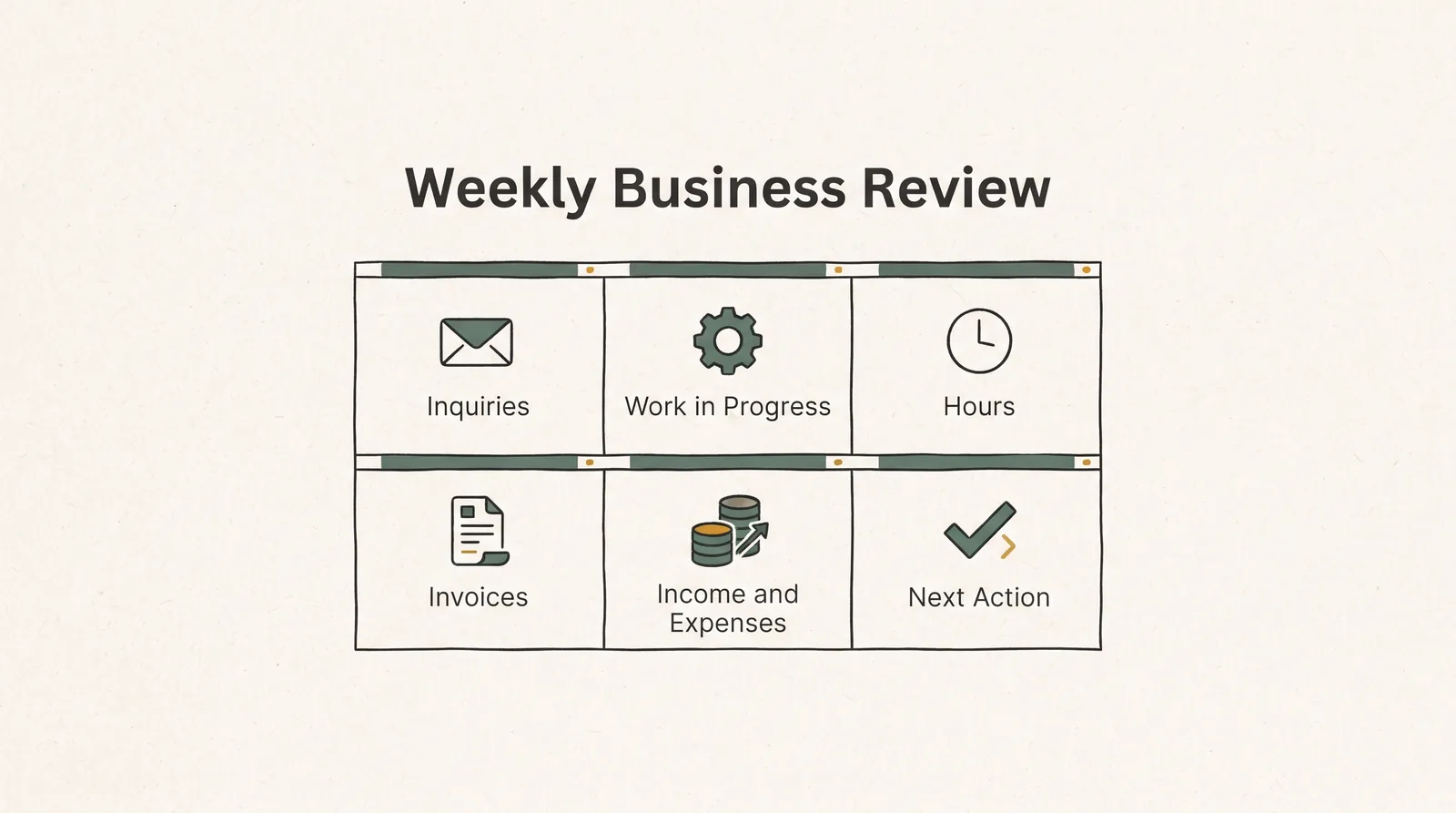
A useful 20-minute review moves from current facts to one decision. Keep a timer visible and use the minutes below as a starting point, not a scorecard.
| Minutes | Check | Question | Output |
|---|---|---|---|
| 0–3 | Inquiries | Who needs a reply or next step? | A follow-up date or a closed lead |
| 3–7 | Client work | What is open, due, or waiting? | One delivery or scope decision |
| 7–10 | Hours | Where did time go, and what is booked? | A capacity note |
| 10–13 | Invoices | What is due, paid, or past its agreed date? | A record update or follow-up |
| 13–16 | Money | What income or expense changed this week? | A note to reconcile in your books |
| 16–20 | Next action | What one thing will reduce risk or unblock work? | An owner and a date |
The final row is the point of the session. A list of observations is useful only when it changes a decision, a follow-up, or the plan for the next few days.
Gather the facts before the timer starts
Spend a minute collecting your existing sources so the review does not turn into a search through old messages. Open your calendar, active project list, inquiry or client pipeline, time log, and invoice list. Use the same sources each week where possible.
Do not copy every detail into a new page. You need enough to answer a question: whether a deadline is realistic, who is waiting for you, or what amount has not arrived. If a value is uncertain, label it as an estimate and leave the source record alone until you reconcile it.
For income and expenses, the IRS recordkeeping guide says to use a system suited to your business that clearly shows those items. It also describes invoices, receipts, deposit records, and other documents that support entries in your books. A weekly planner can point you to a record, but it should not replace that record.
Run the six checks in 20 minutes
Use the same six prompts each week, and change the answer as your work changes. The sequence starts with people and promises, then ends with the action you control.
1. Inquiries: who needs a next step?
Scan new inquiries and active conversations. For each one, ask: is there a reply promised, a proposal to send, or a decision to close? Write a date beside the next step. If the prospect is not a fit or has gone quiet, record that status instead of carrying it as an open task forever.
2. Client work: what is open or waiting?
Look at active projects and deadlines. Note the next deliverable, anything blocked by a client, and any scope question that could change your estimate. A project marked “in progress” may still need a concrete next step, such as “send first draft Tuesday” or “ask client to choose option B.”
If a deadline moved, update the calendar and tell the client using the communication terms you agreed. The review helps you notice the change; it does not decide the terms of your agreement.
3. Hours: what did the week make possible?
Compare planned work with time logged, if you track it. You are looking for a decision, not a perfect productivity score. Did one fixed-fee project take more time than expected? Is next week already full? Will a new request require a trade-off?
For project pricing, review the effective hourly rate calculation separately. The weekly review can flag a project to examine, while the project calculation gives you a consistent way to compare its fee and recorded hours.
4. Invoices: what changed since last time?
Check issue dates, due dates, amounts, and payment status against your invoice records. Mark payments when you can verify them. If an invoice reaches the due date without payment, check the terms and send a suitable follow-up. Do not assume a delay is a dispute or send the same reminder automatically without checking the context.
An unpaid amount and money received are different facts. Keep them separate in your review so an outstanding invoice does not look like cash already available. The IRS overview of business records explains why records help you monitor the business and support financial statements and tax items.
5. Income and expenses: what belongs in the books?
Look for changes that need recording: a payment received, a business purchase, a refund, or a missing receipt. Note what you need to reconcile later. Do not use a weekly review to determine tax treatment or to replace an accounting process.
The SBA guide to managing a business covers finance management and bookkeeping as part of running a business. This short review is a prompt to keep your own records current, not a financial statement or accounting method.
6. Next week: what is the one action?
Choose the action that reduces the most immediate uncertainty or protects a commitment. Write it as a verb, name yourself as the owner, and add a date. “Work on marketing” is too wide. “Send the revised proposal to Mira by Wednesday” can be completed and checked.
If three items feel equally urgent, choose the one with a client deadline, a dependency, or a clear consequence if it waits. Put the others back on their existing project lists. A review is not a reason to create a second task system.
Turn one signal into a dated action
A review earns its place when an observation leads to a decision you can carry out. Use this short chain: signal, question, action, date. For example, “two active projects need feedback” is a signal; “which project blocks the next delivery?” is the question; “send the client a choice between two review times” is the action; “Tuesday” is the date.

Here is a fictional example for a solo designer. The names and figures are made up to show the method; they are not benchmarks or advice.
| Signal in the example week | Question | Review decision |
|---|---|---|
| A project is booked for 8 hours; 6 are logged | Is the remaining work still within scope? | Confirm the final deliverable before adding revisions |
| One $900 invoice is past its agreed date | Has payment arrived, and what do the terms say? | Verify the bank record, then send a specific follow-up if still unpaid |
| A proposal has no reply date | Is the lead still active? | Send one check-in on Thursday, then close or reschedule it |
| Next week has 22 booked client hours | Is there room for another deadline? | Offer the new request a later start date |
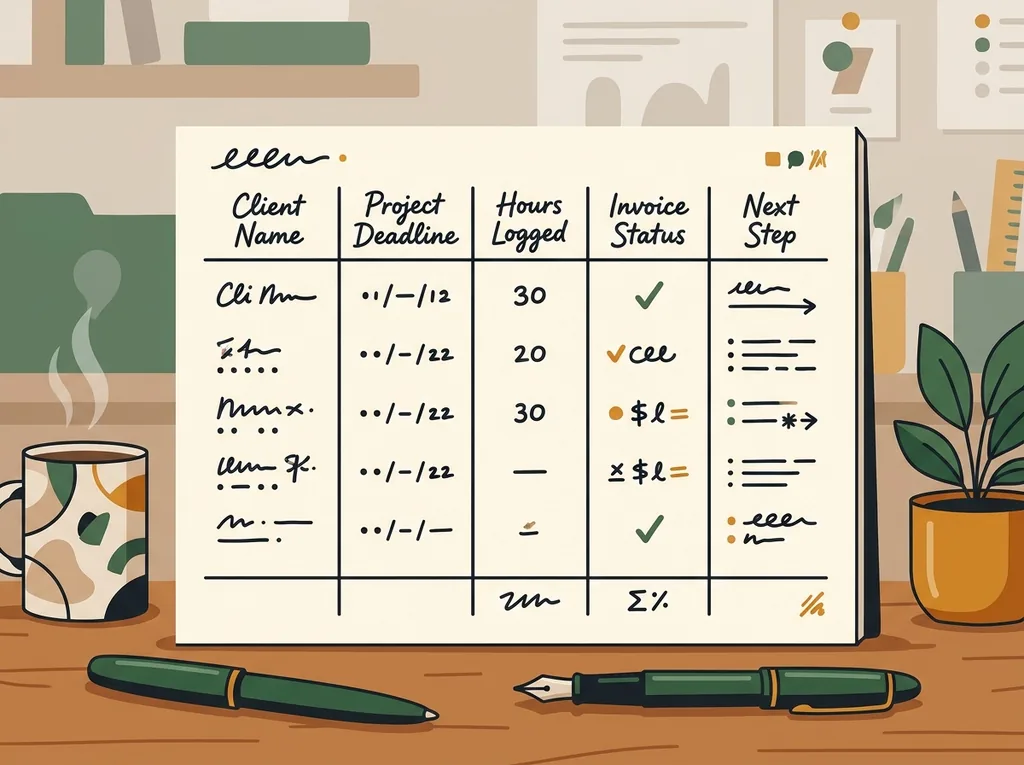
The review does not tell the designer whether $900 is a good price or whether the payment is late under law. It creates clear next steps: confirm scope, verify the payment, follow up under the agreed terms, and avoid promising a date without checking the calendar.
If you want a single page for broader business decisions, a one-page freelance business plan can hold the goals that these weekly actions support. A Notion business planner for solo work can keep recurring checks beside that plan. Keep the weekly review short enough to repeat.
Keep the weekly review inside its limits
A weekly review is a scan, not a substitute for bookkeeping, forecasting, contract advice, or a full business plan. It helps you see what changed and where a decision is due. It cannot tell you what a tax rule means for your situation or whether a client agreement is enforceable.
Use a separate bookkeeping routine to reconcile source documents and accounts. The IRS says records should clearly show business income and expenses and that supporting documents help substantiate entries. Ask an accountant or tax professional about recordkeeping questions that depend on your business or location.
Use a monthly or quarterly review for slower questions: which services you want to sell, whether your prices need a change, or which marketing channel deserves more time. The weekly check should surface a question for that conversation, not try to answer it from one week of data.
Why Trust This Article
The Notion Business Planner team built a planner for solo service-business planning and tracking. This guide combines that audience context with public guidance from the IRS on business records and the SBA on managing a business, checked on November 1, 2026. The 20-minute timing and fictional example are practical suggestions, not a tested benchmark. Verify financial and legal decisions with a qualified professional.
Where Notion Business Planner fits
A weekly review needs a place to connect goals with active work. Notion Business Planner includes Business Plan & Goals, Brand & Services, Clients, Projects, Income & Expenses, and a Dashboard. Those pages can give a solo operator a place to review the plan, open client work, and the records that need attention.
It is a manual planning tool. It does not send invoices, chase payments, reconcile bank activity, or give tax advice. Keep formal source documents and bookkeeping in the system you use for those responsibilities. If you want to organize solo business planning in Notion, use the contents list to decide whether those pages fit your workflow.

A weekly review does not need a new dashboard. It needs current facts, one decision, and a date to act.
Frequently asked questions
What should I include in a weekly business review?
Review open inquiries, client commitments and deadlines, hours, invoices and payments, income and expenses, then choose one next action. Keep source records such as invoices and receipts in the system you use for your books.
How long should a weekly business review take?
Start with 20 minutes. Use the first few reviews to learn which facts you can gather quickly and which decisions need more time. If the same issue keeps taking over, make it a separate task instead of extending every review.
Which day is best for a weekly business review?
Choose a day that gives you reliable information and time to act. Friday can help you close open loops before the weekend; Monday can work if client updates arrive late in the week. Use the same slot for a few weeks, then adjust.
Should I review unpaid invoices every week?
A weekly scan can help you see due dates and record payments. Follow the payment terms you agreed with each client, and keep the invoice and payment evidence with your business records. A review does not replace bookkeeping or professional advice.
Is a weekly business review the same as weekly planning?
No. The review looks back at current work, commitments, and records so your next plan uses facts. Weekly planning turns those facts into calendar blocks and priorities. You can do both in one sitting, but keep the two decisions clear.
Can I do a weekly business review in Notion?
Yes. A Notion page can hold a checklist, links to client work, and a running list of follow-ups. Keep invoices, receipts, and formal accounting records in a system that meets your business needs; a planning page is not a bookkeeping system.
What is the fastest way to start a weekly review?
Set a 20-minute calendar block, gather your open projects and invoice list, and write down one decision you will make before the session ends. Keep the first review small; add another check only when it changes what you do next.