Monthly Business Review Template for a One-Person Business
Monthly business review template for a solo business: compare income with target, check invoices and hours, and choose one next-quarter action.
By Notion Business Planner by Cosmo Suite · Editorial policy
Published · 7 min read
A monthly business review template for a one-person business should help answer four questions: did income match the target, what invoices remain open, where did project time go, and what needs attention next? Use the answers to choose one action for the coming month or quarter.
A monthly business review is a repeatable check of results, open work, and next actions. It is smaller than a formal management review. The goal is to make the next decision clear, not to create a polished report.
Income received is money your records show as paid, using the accounting method you follow. It can differ from the total value of invoices you sent during the same month.
Many monthly business review templates assume a leadership team, prepared decks, and separate department owners. A solo service business needs less. Bring the records you already keep, look for a decision, and stop before the review becomes another reporting project.
If you want to keep your goals, clients, and projects in one planning space, a Notion workspace for a solo business can put those views near each other. This guide gives you a simple review structure and a fictional example to adapt.
Key takeaways:
- Compare the month's income with a target you set in advance.
- Review unpaid invoices by amount, due date, and agreed terms.
- Look at project hours alongside commitments and scope.
- Finish with one action, a date, and a way to tell whether it helped.
- Keep bookkeeping, tax work, and client agreements in their proper processes.
Monthly business review template at a glance
A useful monthly business review moves from current records to one next step. Start with these four areas, then add a check only if it changes a decision.
| Review area | Source to open | Question to answer | Possible output |
|---|---|---|---|
| Income vs target | Your business records | What came in compared with the target? | A variance to understand |
| Open invoices | Invoice register | What is due, paid, or still open? | A dated follow-up or status update |
| Project hours | Time log and project list | Where did your work time go? | A scope, schedule, or pricing question |
| Next priority | Goals and commitments | What matters most in the next month or quarter? | One action with an owner and date |
Use the table as a prompt, not a scorecard. A difference from target is a signal to investigate. It does not explain the cause on its own, and a single month may not represent a longer pattern.

Gather four inputs before you review
Open the records you already use before you start. For many solo service providers, that means a monthly income and expense view, an invoice list, a project or time log, and last month's actions. Do not copy every transaction into a second tracker.
The U.S. Small Business Administration advises owners to maintain bookkeeping and understand business finances in its guide to managing a business. The guide also explains that different accounting methods record income at different times. Use the same source and definitions each month, and ask a bookkeeper or accountant when a number is unclear.
Mark estimates clearly. Money received and invoices sent are different figures: an unpaid invoice is not cash received. Keep receipts and source documents where you normally store them.
Notion databases can show the same entries in different views and let you filter or sort them, as described in Notion's database view guide. That can make a planning page easier to scan, but a view only organizes the information you enter. It does not reconcile your accounts for you.
Notion's database introduction describes each database item as its own page, with properties and views that help organize information. For this review, a simple table might show the month, amount, status, due date, or project. Start with fields you will keep current; extra properties add work if they do not support a decision.
Compare income with target and check unpaid invoices
Compare the month's recorded income with the target you chose before the month began. If the figures differ, note what you know and what you still need to verify. Do not change the target just to make the month look on track.
Next, scan each open invoice. Note its amount, due date, client, and the payment terms you agreed. Decide whether it needs a routine reminder, a status check, or no action yet. The review is a prompt to follow your own process, not a substitute for the agreement or for professional advice.
An open invoice is an invoice that your records do not show as paid in full. Keep its status separate from income received. If you use an accrual method or have other accounting questions, ask your accountant how to interpret the figures before comparing them with a cash target.
FreshBooks' small-business financial goals worksheet asks owners to choose a handful of measures and schedule time to review their financial goals. Treat that as a worksheet example, not a universal rule. Your review can use fewer measures if they answer the decisions you need to make.
If the income gap appears connected to project work, compare the fee with hours logged before drawing a conclusion. This guide to calculating an effective hourly rate explains why project fee and time are useful to view together, while leaving costs and other context in the picture.
Review project hours and work in progress
Use your time log to spot projects that took more or less time than expected. Then check what else was happening: a scope change, a delayed approval, rework, or a planned learning task may explain the difference. Hours alone do not tell you whether a project was profitable or whether a client relationship is healthy.
Look at open work and upcoming deadlines beside the hours. If a project has no next step, add one. If the work has expanded beyond the plan, decide whether you need to clarify scope or adjust your schedule under the terms you agreed with the client.
For example, a designer may meet an income target but spend more hours than planned to deliver the work. That result is not automatically good or bad. It gives the designer a reason to review the estimate, scope, and schedule before quoting similar work again.
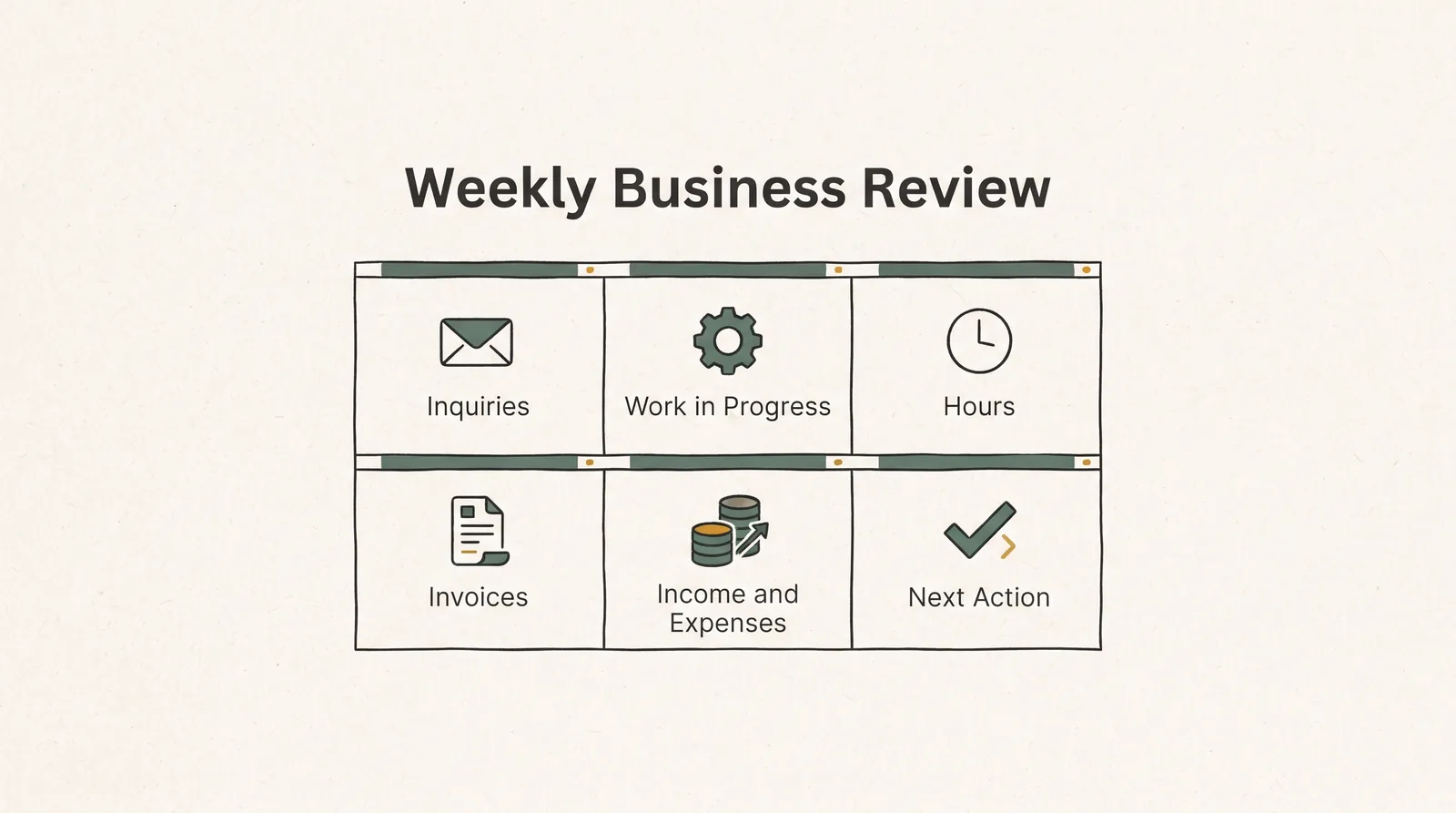
A short weekly business review for one person can catch urgent follow-ups before month end. The monthly review has a wider job: notice patterns across projects and decide what to change in the next planning cycle.
Choose one next-quarter priority
End the review with one priority, not a long list of intentions. Write the result you want, the first action you control, and the date you will check it. If a client decision or outside event affects the outcome, name that dependency separately.
The SBA's business plan guide treats financial projections as part of a formal plan. This monthly worksheet serves a narrower purpose: a quick operating check for a solo service business. Use it to notice a question, then use your full plan and financial records when you need a forecast or funding decision.
For example, “improve project handoffs” is broad. “Draft a handoff checklist for the next active project by Friday” is an action you can complete and review. A monthly check can reveal that handoffs need attention; the full goal and measure belong in a separate plan.
If you are setting outcomes for the next quarter, use this quarterly goals template to connect each result with a baseline, target, action, and review date. A monthly review can feed that plan without trying to rewrite it every four weeks.
A business planning workspace in Notion can keep that priority near your goals and project notes, if that is where you already plan your work.

A fictional monthly review for a solo designer
This example is fictional. The person, business, dates, targets, and amounts are made up to demonstrate the method. They are not typical results or financial advice.
| Check | Fictional example | Review note |
|---|---|---|
| Income target | $6,000 for the month | The target is a planning figure, not a forecast |
| Income recorded | $5,200 received | $800 below the target; check timing and open work |
| Open invoices | $1,100 across two invoices | Verify due dates and agreed terms before following up |
| Project hours | 72 hours across active projects | Compare with estimates and any scope changes |
| Next action | Review the larger project's scope before quoting similar work | Complete the review by the 10th |
The example does not show that the designer should raise a price or take on more clients. The gap could reflect payment timing, a project schedule, or a target that needs another look. The review makes the question visible and gives the owner a next step.
Keep the sample figures out of your own records. Replace them with numbers from your books and time log, and use a qualified professional for accounting or tax questions.
Why Trust This Article
The Notion Business Planner team built a planning template for freelancers and solo operators. This guide draws on the U.S. Small Business Administration's business management and planning guidance, a FreshBooks financial goals worksheet, and Notion's public database documentation, checked November 3, 2026. The example is fictional, and the review prompts are general planning information. Verify financial decisions against your own records and seek qualified advice when needed. Read about us and see our editorial policy for more about the publisher and how we prepare content.
Where Notion Business Planner fits
Notion Business Planner lists Business Plan & Goals, Setup & Track Finances, Client Pipeline, Projects & Documents, Brand & Services, Productivity with daily and weekly planning and time tracking, Marketing & Social Strategy, Self-Learning, Documentation, and a dashboard. Those pages can organize the information you choose to enter for a monthly check.
The template does not send invoices, reconcile accounts, file taxes, or decide which business target to set. Keep source records in the systems that meet your needs. If you want to keep planning and project information together, review the Notion Business Planner contents and decide whether they match your routine.

Frequently asked questions
What should a monthly business review include?
Compare income with your target, review invoices that remain unpaid, look at project hours, and choose one action for the next month or quarter. Use the records you already maintain and note any figures that still need reconciliation.
How long should a monthly business review take?
Start with a short, repeatable session, such as 30 minutes. The time depends on how many projects and records you need to check. If a question needs detailed bookkeeping or a client conversation, record it as follow-up work instead of stretching the review.
Should I include unpaid invoices in a monthly business review?
Yes. Note the amount, due date, and agreed payment terms, then choose a follow-up action where needed. Keep the invoice and payment records in your bookkeeping system. A planning review does not replace those records or decide how you should handle a late payment.
Is a monthly business review the same as quarterly planning?
No. A monthly review checks what happened and whether current plans still fit. Quarterly planning sets or revises the outcomes you want over a longer period. A monthly review can flag a question for that planning session without replacing it.
Can I do a monthly business review in Notion?
Yes. You can organize goals, projects, hours, and follow-ups in Notion pages or databases. A view can make the information easier to scan, but you still need to enter and maintain it. Keep accounting source records in the system that suits your business.
Does a monthly review replace bookkeeping?
No. It is a planning routine that helps you notice questions and decide what to do next. Keep transaction records, reconciliations, and tax work in the appropriate accounting process, and ask a qualified professional when you need advice.